Parameters of the Reversal Master indicator:
>>>>>>> MAIN SETTINGS <<<<<<<
Select Indicator Mode – indicator operation mode:
- Work Mode-1 – the previous version (v1.5 and lower) operating mode (with a different algorithm for calculating trend reversal points)
- Work Mode-2 – the new version (v2.0 and higher) operating mode
Sensitivity (for Mode-1) – sensitivity setting for Mode-1
Show Statistic (for Mode-2) – displaying potential profit for each position for Mode-2
Bars for Count – the number of bars to calculate. If 0, the calculation is made for the entire available history. For weak computers, I recommend limiting this parameter to 5000 bars or less
>>>>>>> ALERT SETTINGS <<<<<<<
Sound Alert – activating the Sound Alert.
Sound File Name – sound file name in WAV format that will be played when a Sound Alert is activated. Must be located in the folder /Terminal/Sounds…
PopUp Alert – activating a Pop-Up message when a signal appears.
Push Notifications – activating Push notifications when a signal appears.
Email Notification – sending an Email message when a signal appears.
>>>>>>> COLOR SETTINGS <<<<<<<
Select Color Theme – selecting the color scheme of the indicator. (Off / Light Theme / Dark Theme)
Custom Colors Settings (if Select Color Theme = Off) – Profit Line Color / Loss Line Color / Profit Line Background Color / Loss Line Background Color
>>>>>>> ARROW SETTINGS <<<<<<<
Draw Arrow – enable the signal arrows indication on the main chart (Off / Arrow Type = 1 / Arrow Type = 2 / Arrow Type = 3)
Arrow Size – Arrow Size = 1 / Arrow Size = 2 / Arrow Size = 3 / Arrow Size = 4
Buy Arrow Color
Sell Arrow Color
Code to use in the Expert Advisor:
int Up = iCustom(Symbol(),Period(),”ReversalMaster”,0,1);
int Dn = iCustom(Symbol(),Period(),”ReversalMaster”,1,1);
The following values are read from the first (already closed) bar:
Buffer 0 – for Buy Signals
(0) – No Signal
(-1) – Buy Signal
Buffer 1 – for Sell Signals
(0) – No Signal
(1) – Sell Signal
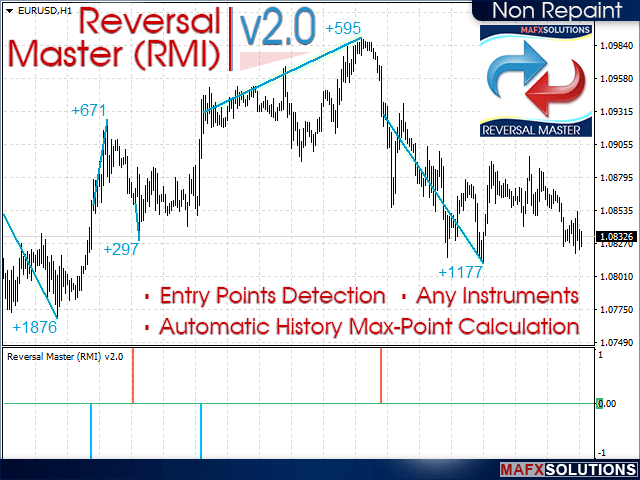
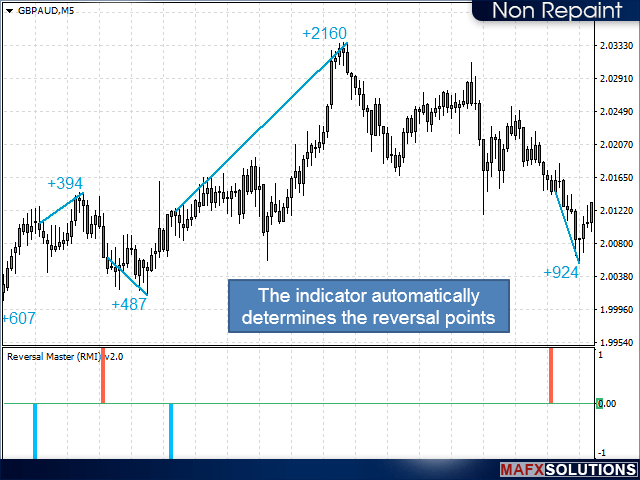
The main task of the indicator is to display the already formed reversal points and not try to take the entire price movement from its very beginning. This algorithm was chosen to minimize the risks of false entries.
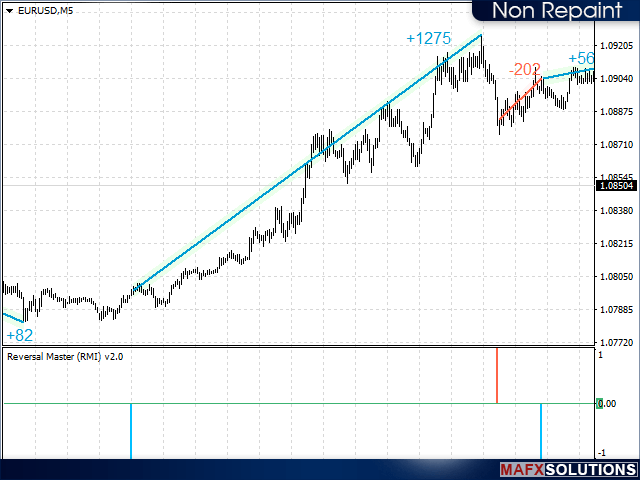
Built-in statistics allow us to see the potential profit for each position in history, showing the difference between the entry point and the price extremum formed before the opposite signal appears.
Negative trades are considered simplified when the opposite signal appears. You can fix losses using your own strategy.
Don’t forget to upload historical data for the analyzed trading instrument!
Before buying, be sure to test the demo version of the indicator to determine whether it fits your trading style! I will be grateful for your Reviews!